Teams leave WordPress for good reasons: plugin conflicts, slow mobile themes, security patches that never end, or a editor experience that fights the marketing team. Bad migrations leave behind 404s, vanished blog posts, and contact forms that silently stop sending. A good migration is a logistics project with a SEO spine, not a weekend export.
When migration makes sense (and when it does not)
Migrate when maintenance cost exceeds value, when you need performance your theme cannot hit, or when you are rebuilding brand and IA anyway. Pause if the only problem is content: sometimes a faster WordPress host and image cleanup buys a year. We say that openly on discovery calls.
Phase 1: Inventory before you touch DNS
- Export all URLs from sitemap, analytics, and Search Console
- Note top traffic pages, lead forms, and blog posts that rank
- List plugins that power critical features (booking, ecommerce, memberships)
- Capture meta titles, descriptions, and canonical tags
- Download media library and document who owns the domain registrar login
Phase 2: Map every old URL to a new home
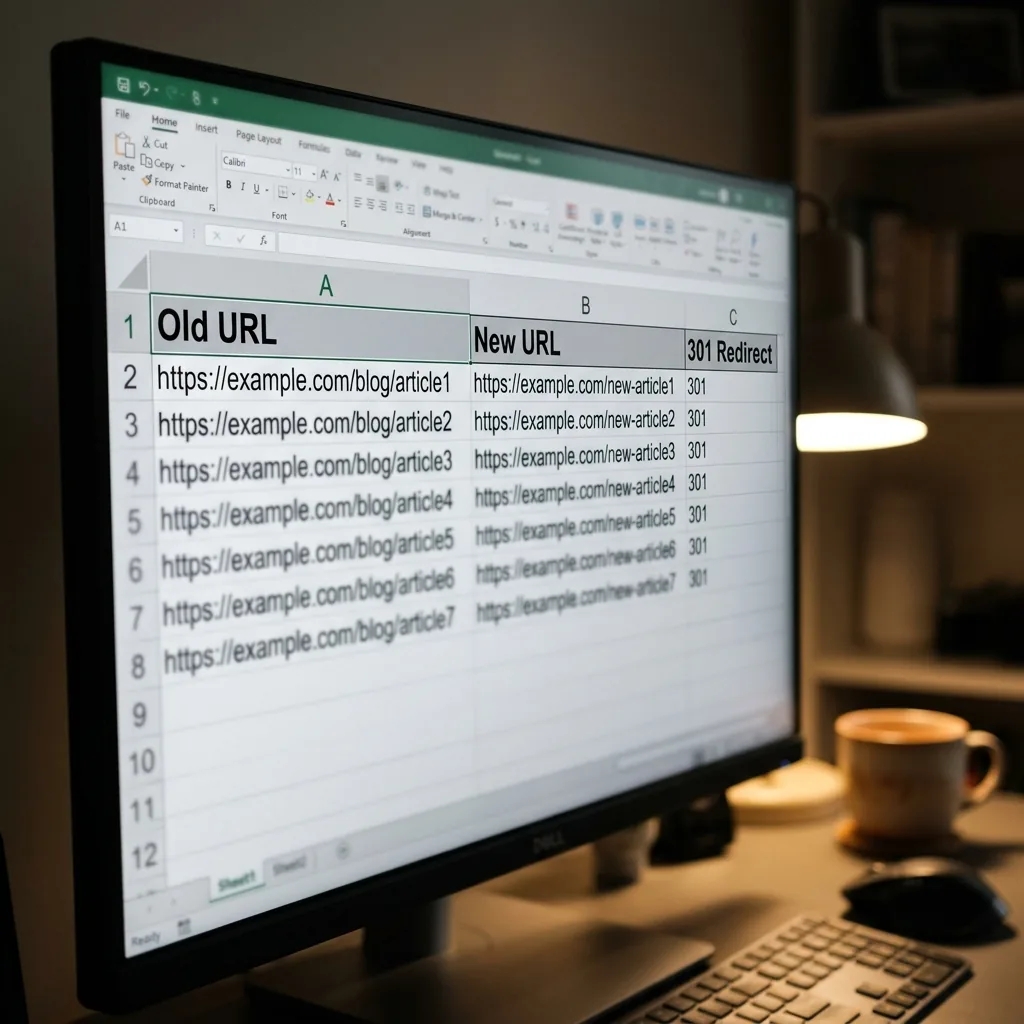
Every indexed URL needs a plan. Use 301 redirects from old paths to new equivalents. Merge thin pages instead of cloning junk. If a service page splits into two, redirect the old URL to the primary successor, not the homepage. One redirect hop per URL, not chains.
Spreadsheet columns we use: old URL, new URL, redirect type, traffic last 90 days, owner sign off. Boring and essential.
Phase 3: Rebuild content with intent, not just HTML
Copy-pasting Gutenberg blocks into a new template often recreates the same clutter. Rebuild pages around conversion goals: clearer headlines, fewer plugin shortcodes, forms that log submissions reliably. On Next.js, content lives in components and CMS fields you can actually maintain.
Migration week is the wrong time to rename every service unless you enjoy watching Search Console light up.
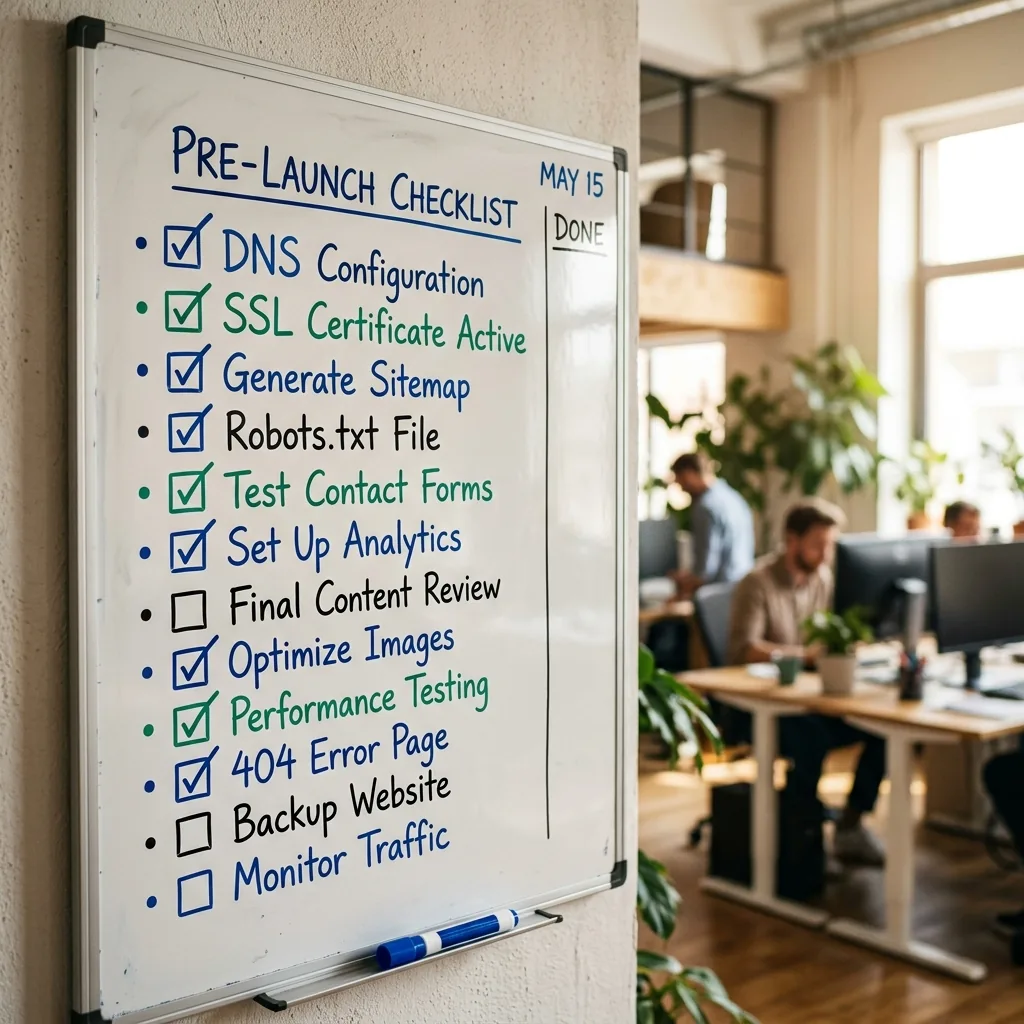
Supportlyweb migration checklist
Phase 4: Forms, tracking, and integrations
Test contact forms, booking embeds, chat widgets, and analytics before launch, not after. Map UTM parameters, Google Analytics events, and ad pixels. If CRM or email tools integrated through WordPress plugins, rewire them deliberately.
Phase 5: Launch with a content freeze and rollback plan
Announce a short content freeze on the old site. Deploy the new build, push redirects, submit the new sitemap, and request indexing for critical URLs. Keep a rollback path for 48 hours if DNS or SSL surprises appear. Monitor 404 reports daily for two weeks.
What changes after WordPress
You may lose the wp-admin click and type familiarity. You gain speed, security surface reduction, and a stack your developer can reason about. Many clients keep blog workflows through a headless CMS or a maintenance retainer for updates. Plan that before launch, not when someone needs a headline changed at 4 p.m. Friday.
Considering a move off WordPress? Bring your site URL and analytics access to a discovery call. We will tell you if migration is worth it, and what phase one looks like for your catalog and content.
Sources
- Site moves with URL changesGoogle Search Central
- HTTP 301 Moved PermanentlyMozilla Developer Network
- WordPress.org DocumentationWordPress
- Next.js DocumentationVercel
This article links to term definitions and credible external sources on our references page.
View references